Settings
Almost everything that adapts DevyPOS to your business is in one place: the settings in the back office.
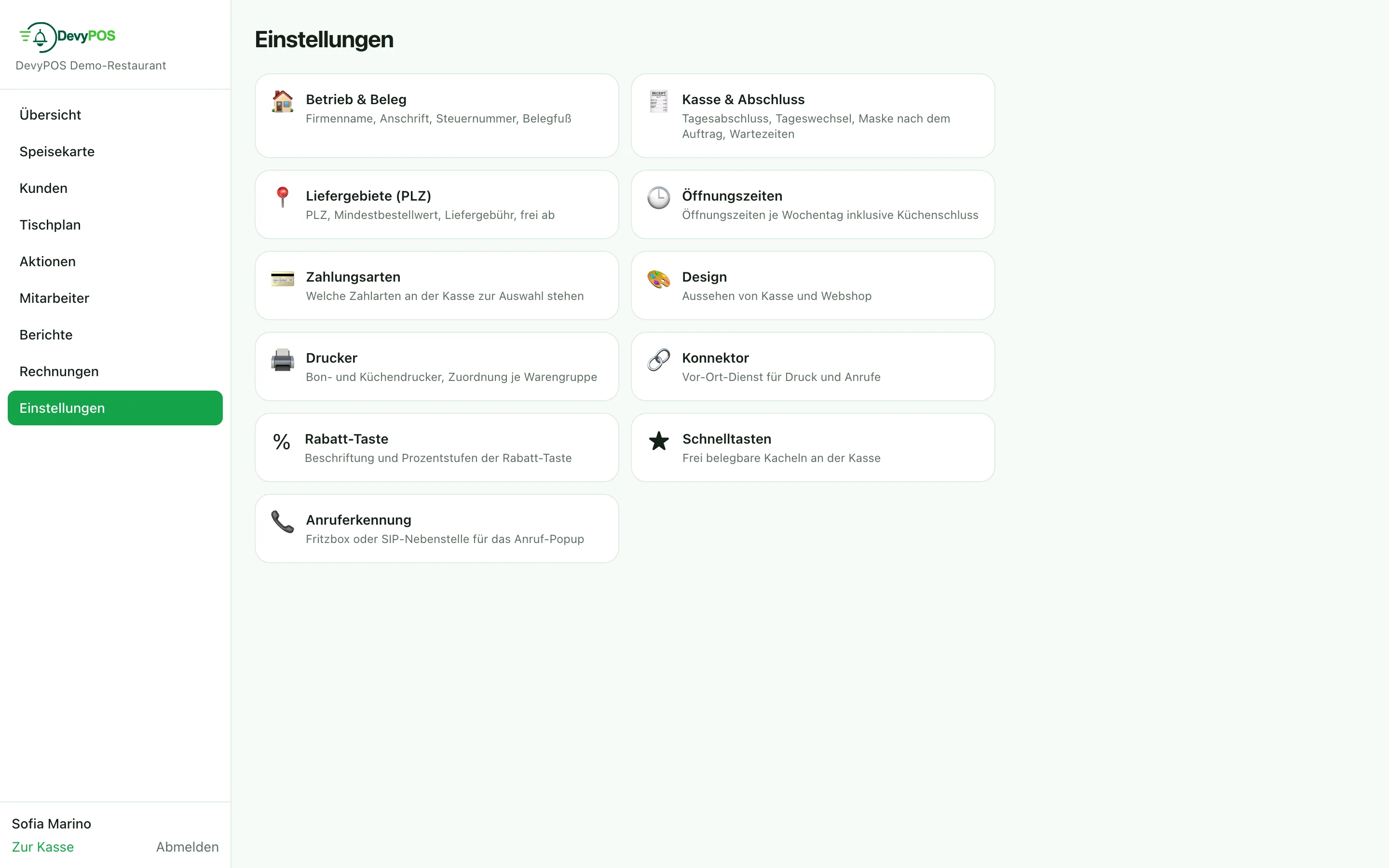
Business & receipt
- name of the restaurant, address and tax number – these details appear on every receipt,
- the receipt footer, for example “thank you for your visit”.
Register & closing
- automatic end-of-day closing at a fixed time (empty = off),
- day rollover: from when does revenue count towards the new day? In a delivery business this point is after closing time, not at midnight,
- screen after finishing an order: “Pickup/delivery entry” or “Table plan”,
- waiting times for collection and delivery as default values.
Delivery areas (ZIP)
Postcodes, minimum order value, delivery fee and the “free from” threshold – see Delivery zones and fees.
Caller ID
Source for incoming calls: Fritzbox (the call monitor has to be enabled once on a phone with #96*5*) or a dedicated SIP extension of your phone system. The connection is always established by the connector in the venue.
Interfaces
Web shop keys and payment providers are set up by IT Saar via remote support; the “Interfaces” tile is therefore only visible during a remote session (marked “remote support only”). A key is shown exactly once – never again afterwards. Lost keys are not recovered but deactivated and created anew.
Online payment and your own invoices
The credentials of your own Stripe account for the online shop (likewise PayPal and the voucher platform gurado) are stored by IT Saar via remote support in the Online payment (Stripe) area under Interfaces; the keys are stored encrypted and never shown again. Under Invoices in the left-hand navigation of the back office – not in the settings – you see your own invoices for DevyPOS and store the payment method for the monthly debit.