Delivery zones and fees
Note: the DevyPOS interface is currently available in German and English. Screen labels quoted here are the English ones.
The delivery zone decides where you drive, from what amount and at what fee. It applies at the till, in the online shop and in the app at the same time.
1. Creating zones
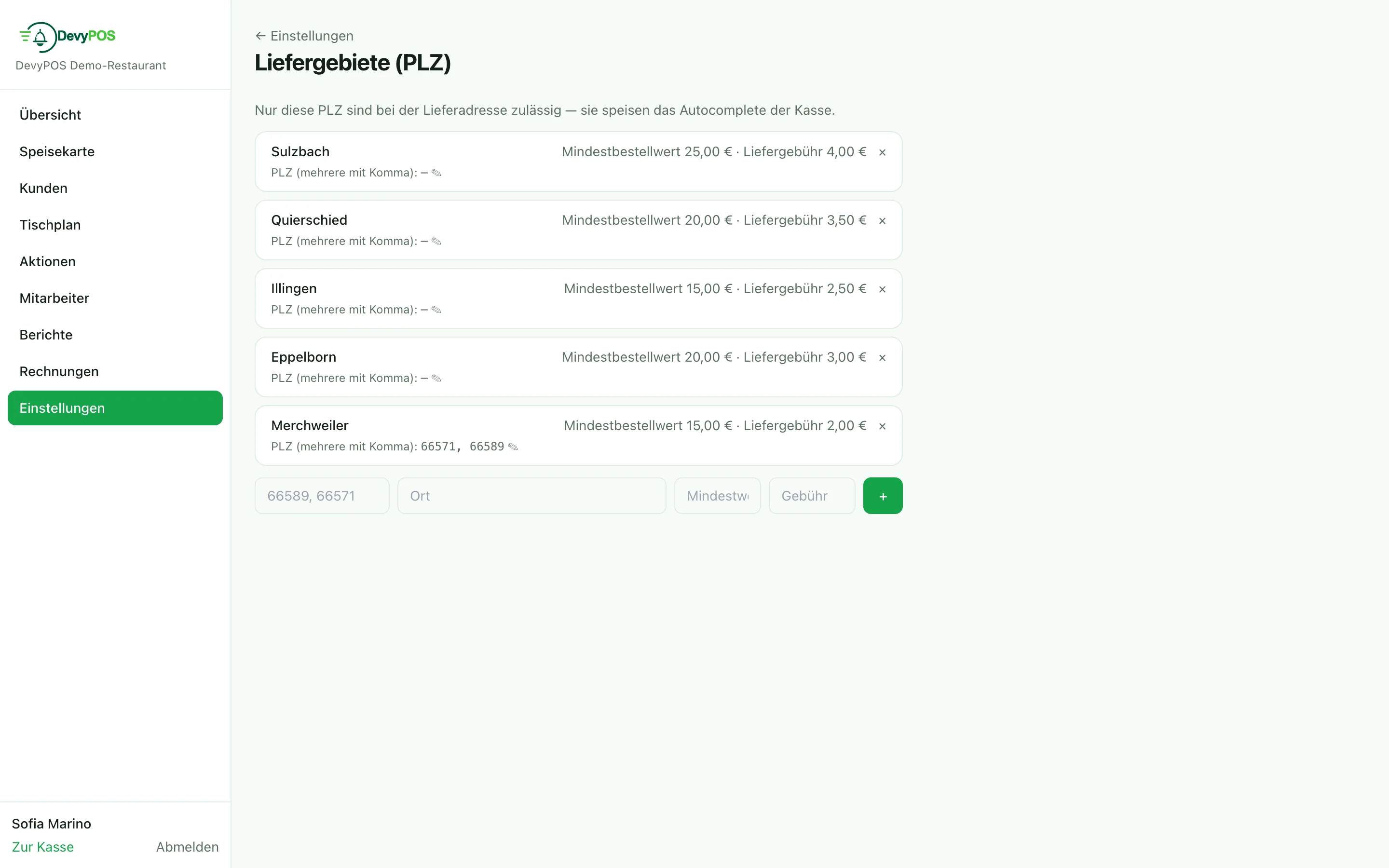
In the back office under Settings → Delivery areas (ZIP) you define per zone:
- Postcodes – several separated by commas.
- Town – the name of the zone (town or district). If one postcode has several zones with different fees, the town of the delivery address decides which one applies.
- Minimum order value – what happens below it is set by the till setting Minimum order (delivery): the default is book difference as small-order fee (the guest pays the minimum value, the receipt reads “Minimum order surcharge”); with reject order the till does not accept the delivery, but the order can continue as a collection; do not check switches the check off. The online shop always rejects.
- Delivery fee – the amount that goes on the receipt.
- Free from – from this goods value the fee is dropped automatically; the “Delivery fee” line is then missing from the receipt.
- Driver fee – optional, clickable in the zone row: a flat rate per delivery into this zone that the driver receives at settlement if their travel pay is calculated as Flat rate per district (delivery zone).
2. How it works in practice
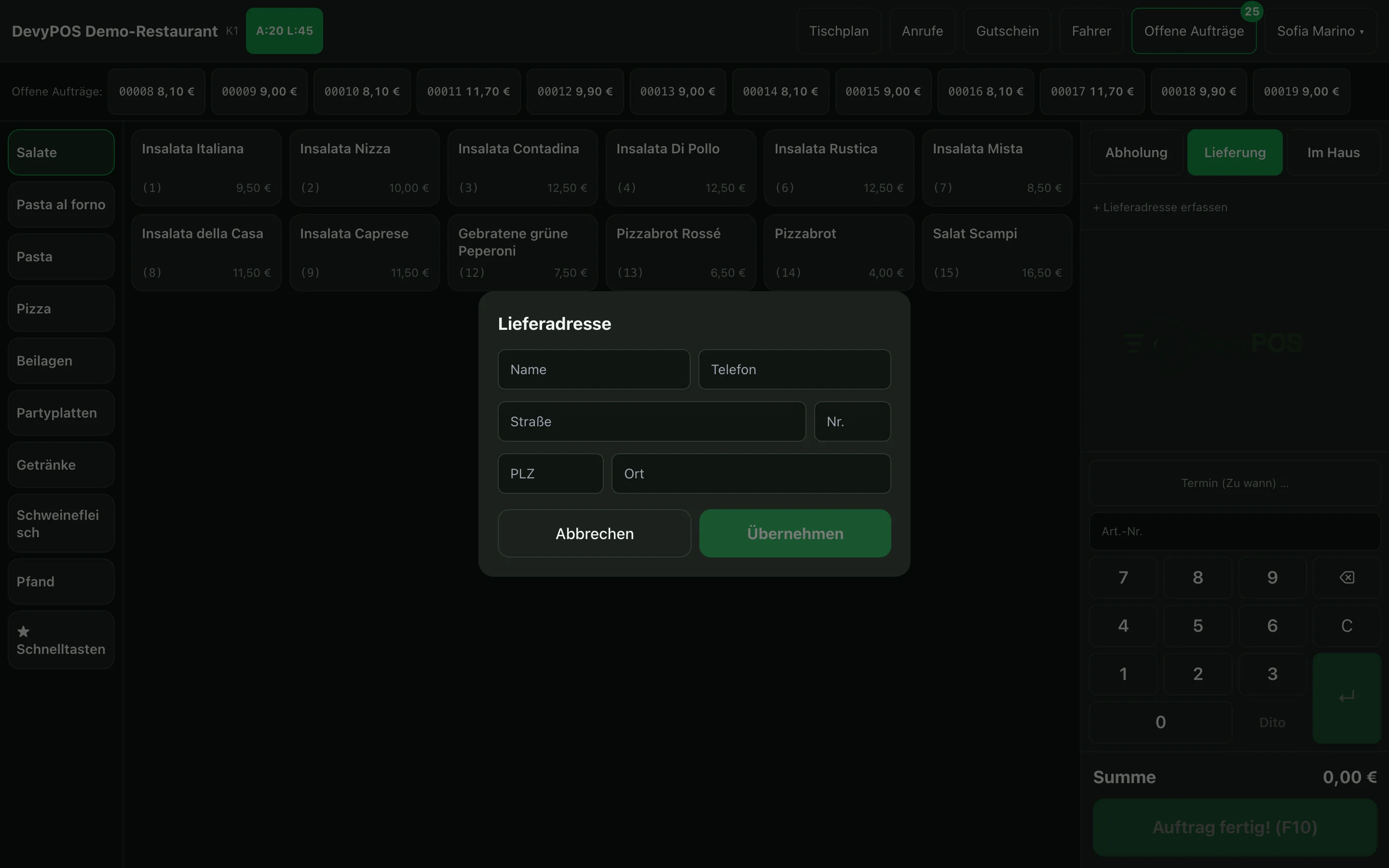
- During address entry the till checks the postcode against your zones.
- If it matches, the zone’s minimum order value and fee are applied.
- Once the goods value reaches the “free from” threshold, the fee is dropped – without anyone having to remember it.
- The online shop checks the same rules before an order can be submitted.
Already while ringing up: as soon as the delivery address is set, the till includes the delivery fee, “free from” and the small-order fee in the total – the guest hears on the phone the amount they will pay later.