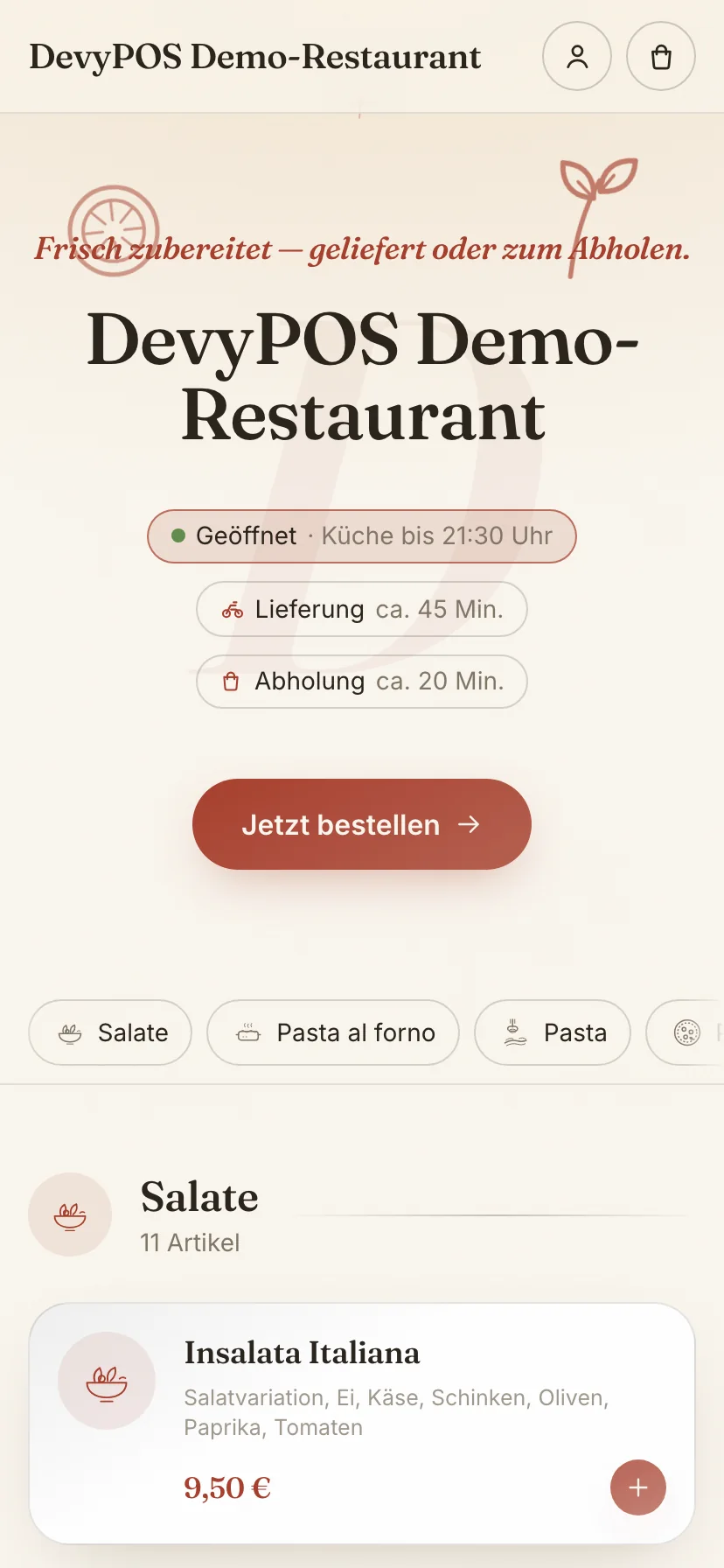
Setting up the online shop
Every DevyPOS instance comes with its own online shop. It shows your menu, knows your delivery zones and sends the order straight into the till – without commission to a portal.
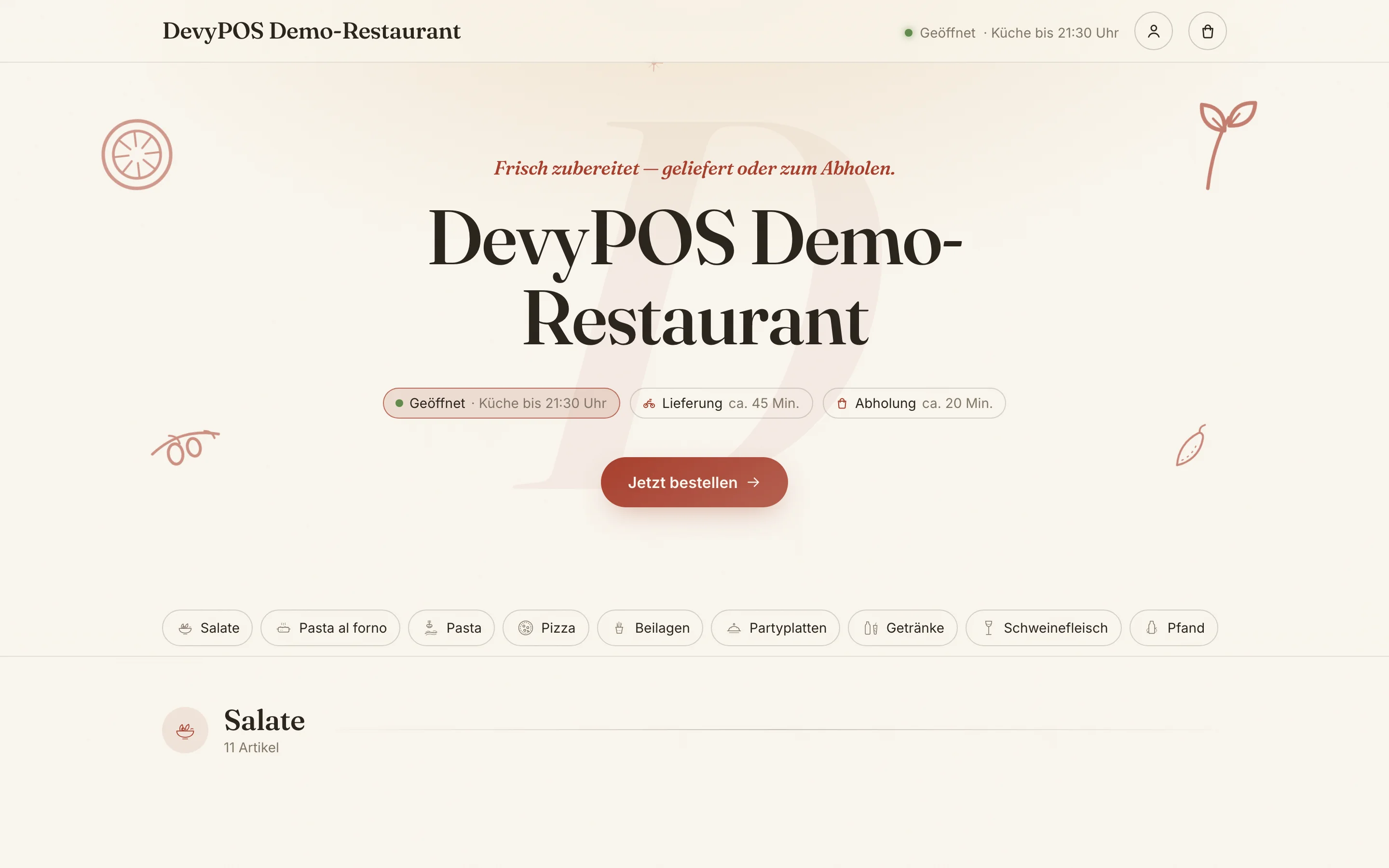
1. What appears in the shop
Whether a product group is online is decided by the switch Publish in the web shop under Menu → pencil icon next to the group → Edit product group. An item appears online if its product group is published and it has at least one size with a price. For the shop you can store a different Name in the web shop per product group – “Pizza 30cm” at the till, “Pizzas” online.
2. Prices and rules
All prices are calculated by the server. The shop only displays them. The same applies to promotions, ingredient pricing, minimum order value and delivery fee – nothing can be pushed down in the shop.
For delivery the standard price applies, for collection the collection price if one is stored.
3. Card payment
- Create a Stripe account belonging to your business.
- IT Saar stores the keys for you via remote support – the area Settings → Interfaces is only visible during a remote session.
- Enter the webhook address we give you during setup in the Stripe dashboard – only then does DevyPOS learn about successful payments.
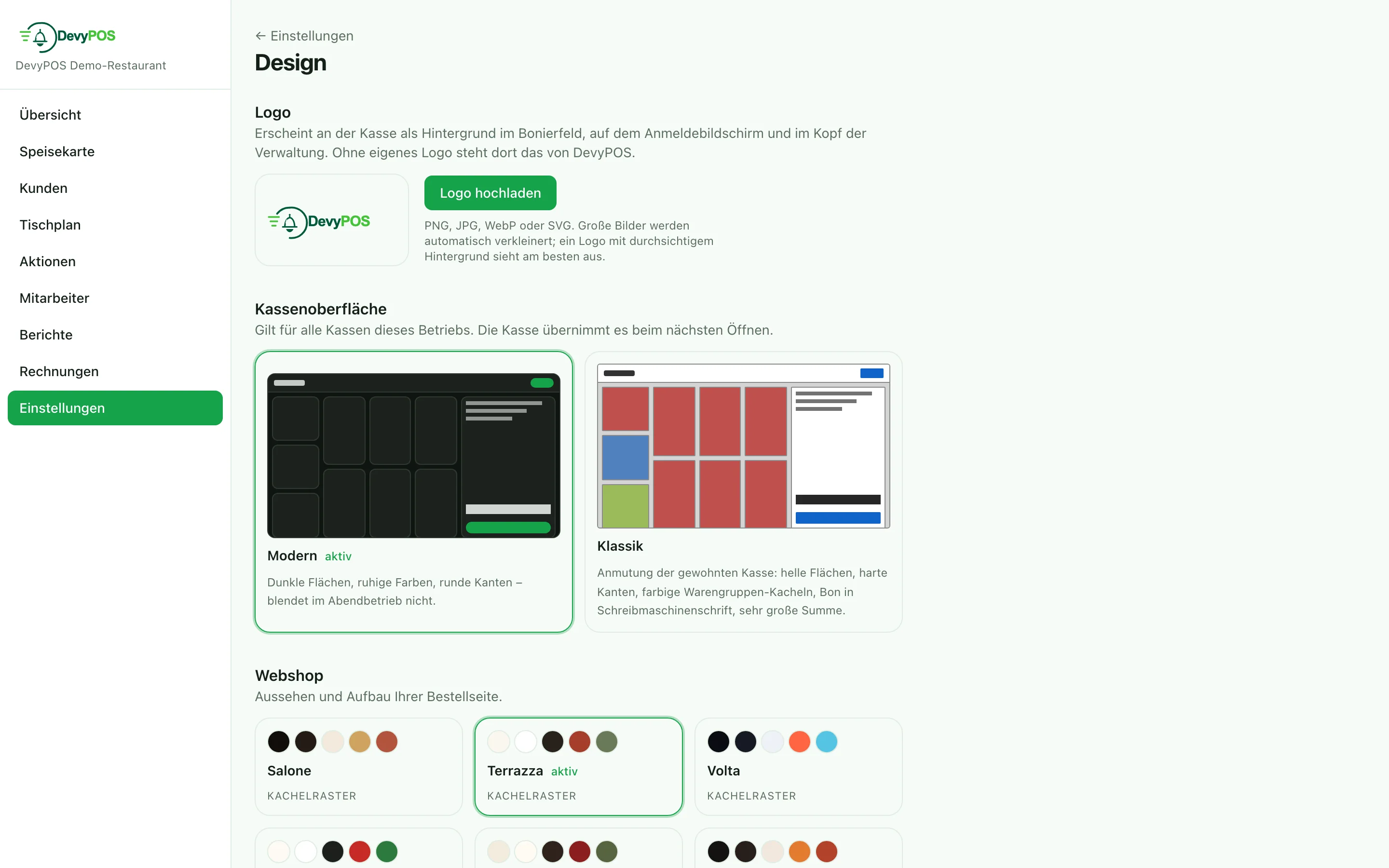
- Under Settings → Payment methods the payment method is called Online (Stripe); Stripe is enabled with the shop integration.
4. The order in the venue
When an order comes in, it announces itself at the till and appears in the open orders marked as shop. It is handled like any other order: print the ticket, report it ready, assign a driver.
The waiting times set in the till header are what the shop quotes your guests as the delivery time. When it gets busy, change the number at the till – the shop quotes the new time immediately.