Keeping the cash book
Everything that comes into or goes out of the till without being a sale belongs in the cash book: change money, purchases of goods, private withdrawals, bank deposits.
1. Making a booking
- At the till tap your own name at the top right (operator menu) and open the Cash book tab.
- Choose the booking type – for example goods purchase 7%, private withdrawal or bank deposit.
- Enter the amount. The field does the maths with plus and minus: entering 12.50+3.20 results in 15.70 – the total appears directly below the field.
- Enter the receipt number and the purpose.
- Post – managers and admins may do this; other operators see the tab, but the booking is refused.
2. Booking types
DevyPOS comes with the booking types ready-made: goods purchase 7%, goods purchase 19%, operating supplies 19%, private withdrawal, private deposit, bank deposit, change money, wage payment, other income and other expense – each with a direction (income or expense), tax rate and receipt requirement. In the back office you assign the DATEV contra accounts to them under Reports → DATEV export (cash book).
3. Correcting
A wrong booking is not deleted but reversed: at the till, Reverse sits next to every manual booking in the Today's entries list; the counter booking appears as its own line. That keeps what happened traceable. System bookings (driver and waiter settlements) cannot be reversed.
4. VAT
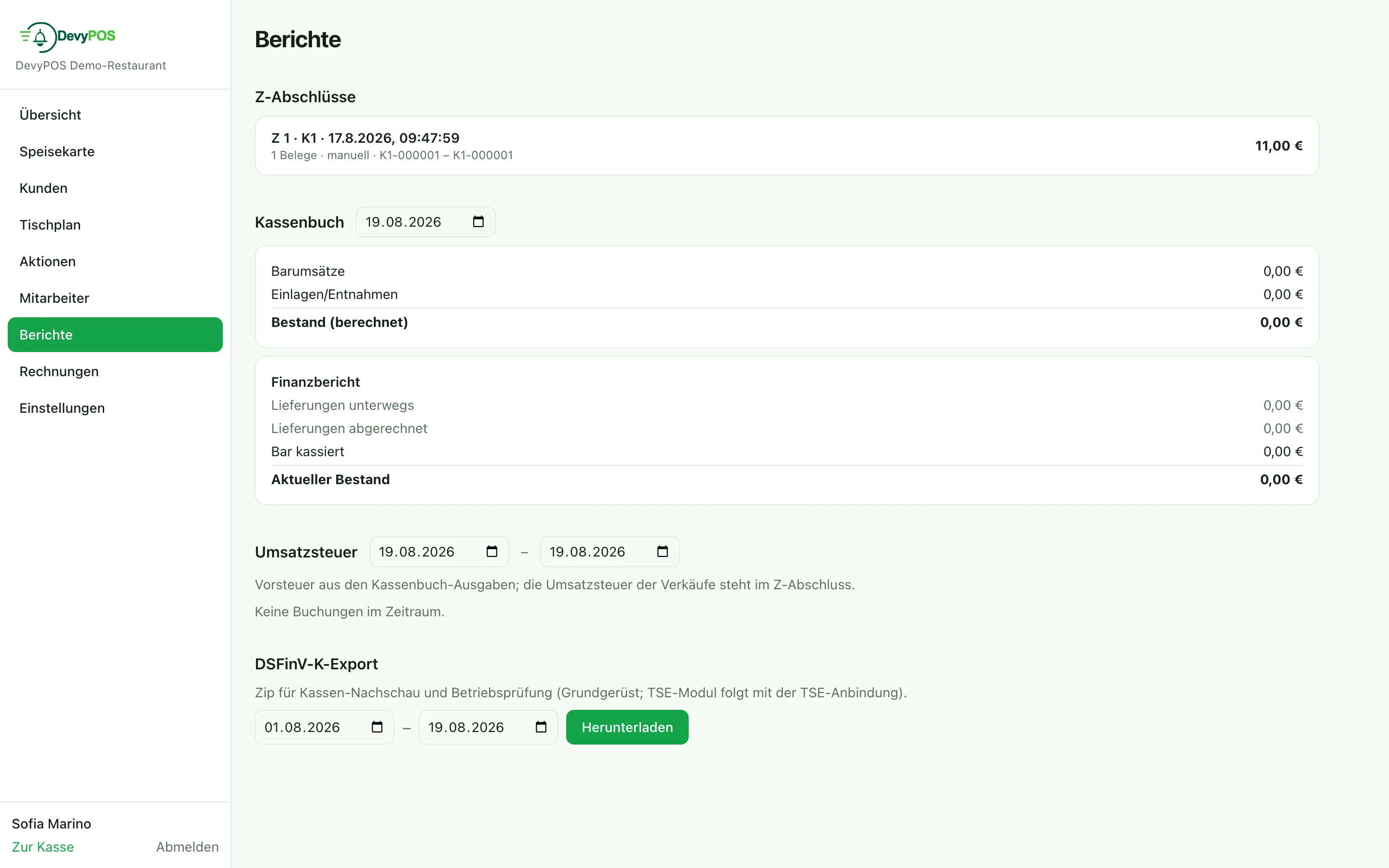
The VAT section in the back office under Reports shows the input tax from the expenses in the cash book for a selectable period, split by booking type and tax rate (gross, net, tax). The VAT on sales appears in the Z closing – together they give the picture your tax adviser needs.