Users and rights
Everyone who stands at the till needs their own account. Not out of mistrust – but so that receipts, voids and settlements can be assigned to a person.
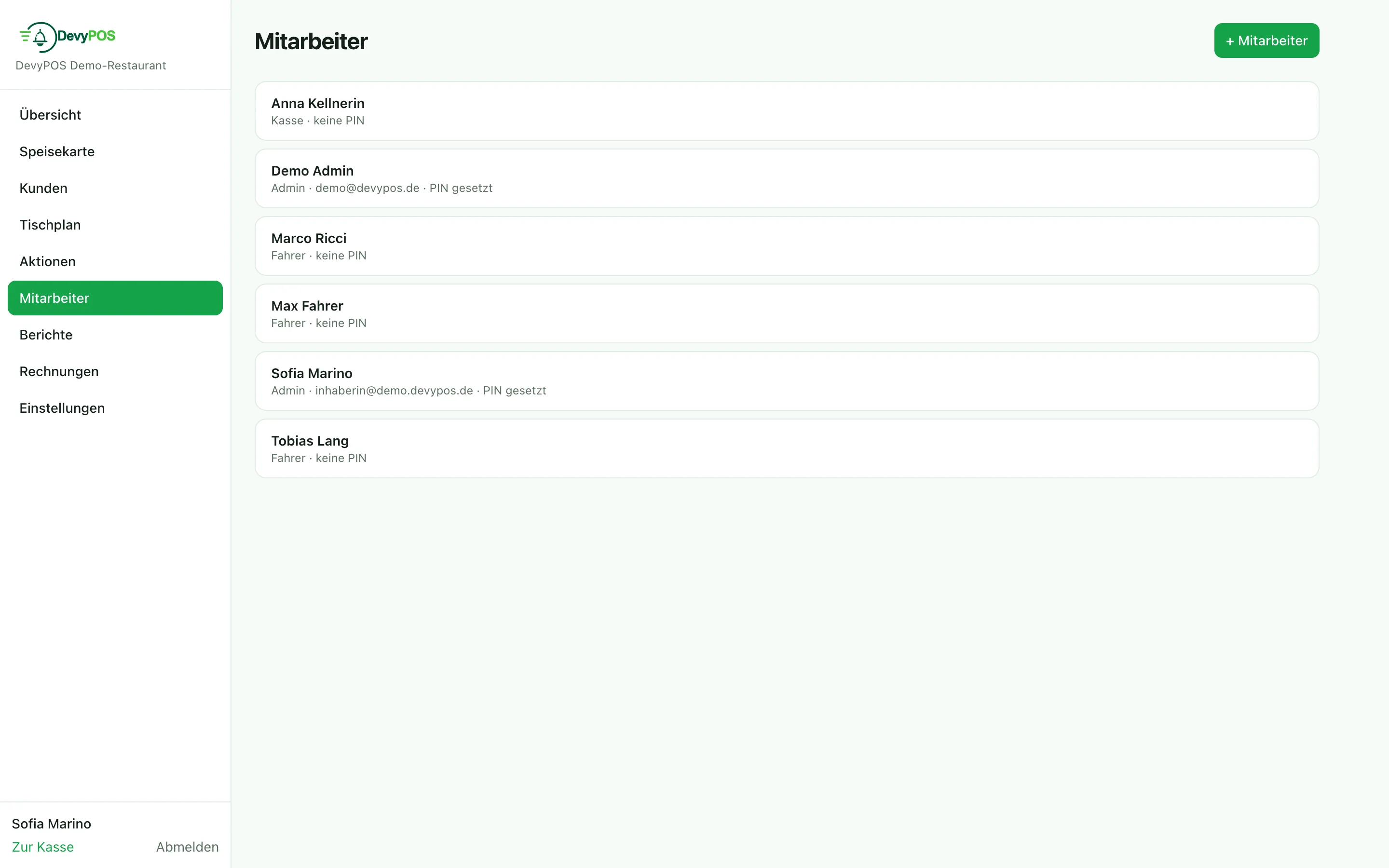
1. Creating staff
In the back office under Staff: name, role and till PIN (four to eight digits). Managers and admins – they also open the back office – additionally get an email address and a password.
2. Roles
| Role | Typically allowed to |
|---|---|
| Cashier | ring up and take payment |
| Driver | drive tours and settle |
| Manager | additionally reports, cash book, closings and maintaining staff (no admin accounts) |
| Admin | everything, including settings and admin accounts |
Analyses such as the finance report are limited to managers and admins.
What a person may do at the till is enabled per staff member under Register permissions: cancellations (order/receipt), give discounts, issue vouchers, daily closing (Z), view reports, kitchen ticket reprint and restart/shut down device. The default is the role standard: managers and admins may do everything, cashiers and drivers only reprint and device; admins always keep all permissions. Free prices depend on the “Give discounts” permission.
3. Wages and travel costs
On the staff record you store the hourly wage or a fixed salary per month; for the role Driver additionally the method for travel pay: none, driver keeps delivery fee, flat rate per trip, mileage or flat rate per district (delivery zone). All of it feeds into the driver settlement and the monthly journal of the time tracking.
4. Leavers
Anyone who leaves is deactivated via the Active checkbox, not deleted – so the matching receipts stay assignable. Even Delete employee removes no data: the account is blocked and the PIN becomes invalid immediately; receipts and settlements are kept.